Moving WooCommerce to Whop involves two inventories: the store and the WordPress website around it. Product pages may be only part of the business. Tutorials, comparison articles, download delivery, forms, and plugin-defined behavior can matter just as much as the catalog.
Whop’s website migration flow starts with a source URL. Review the generated result against both inventories, and keep the old site available while you determine what else must be connected or rebuilt.
Disclosure: Dennis Hegstad works at Whop. AdsX may earn compensation from qualifying Whop referrals. Sources reviewed October 24, 2026. Examples are illustrative; AdsX has not performed these merchant migrations.
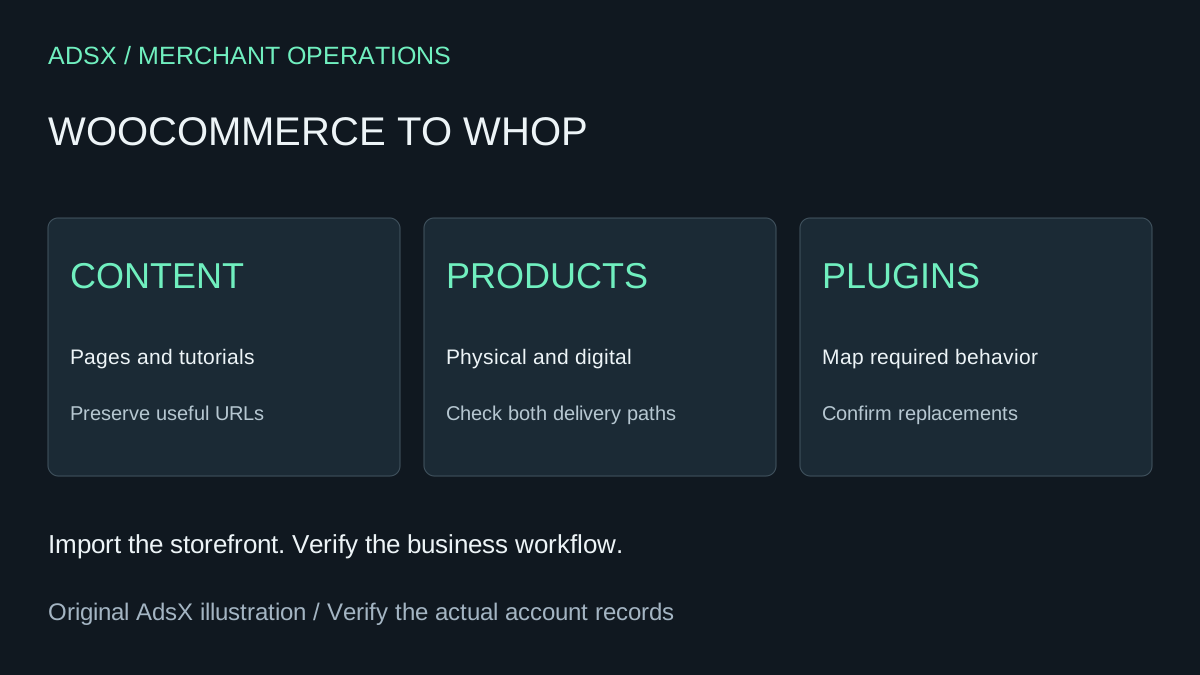
Original AdsX explanatory illustration.
Preserve a product reference and a site reference
WooCommerce provides a built-in product CSV importer and exporter. Use a product export as a comparison record. Separately list important WordPress pages, posts, media, menus, and forms. One file should not be described as a complete backup of the entire business.
For each important URL, record what the visitor is trying to do. A tutorial may attract new shoppers; a size chart may prevent support questions; a download page may fulfill a purchase. This purpose tells you what must work after the move.
Audit plugins by the job they perform
A plugin inventory is most useful when it explains behavior. Instead of writing only an extension name, describe the rule it creates and the information it stores.
| Plugin purpose | Migration question |
|---|---|
| Product customization | Where does the selected information appear in the order? |
| Download delivery | How does the buyer receive the correct file? |
| Membership access | What grants and removes access? |
| Subscription billing | Which provider owns the next renewal? |
| Search optimization | Which URLs and page information need preservation? |
Do not assume that copying the website runs the same WordPress plugins on Whop. Confirm the supported destination workflow for each required function.
Work through a mixed-product example
Imagine a knitting business that sells physical yarn kits and downloadable patterns. The migration review needs two fulfillment paths. A kit requires the right stock option and shipping details. A pattern requires the intended file and access instructions.
Add both to your acceptance plan. Check the product description, selected option, amount due, confirmation, and delivery outcome. If the catalog looks correct but digital delivery is unassigned, the project is not ready to launch.
The Whop digital-download guide helps frame the second path. For the wider switch, use the migration checklist.
Give recurring products a separate review
Whop has a distinct billing migration guide describing eligible Stripe subscription transfers. Do not infer that every WooCommerce subscription is eligible simply because the website uses Stripe somewhere in its checkout.
Identify the actual billing provider, subscription records, next renewal dates, and customer access rules. Ask for confirmation of the applicable process before canceling or recreating anything. The important outcome is a clearly assigned next charge and continued delivery of the purchased service.
Switch the public site after the journeys pass
Record the old and new destinations for important content. Review forms with the person who receives submissions. Confirm who will answer questions about purchases made on the old system and how that person will access the necessary records.
A move may reduce the number of systems you maintain, but that benefit depends on replacing the work those systems currently perform. If a specialist plugin is central to your product and no suitable replacement is confirmed, resolve that gap before setting a launch date.
Sign up for Whop through AdsX’s partner link to evaluate your site. Start with representative products and content, then use the findings to estimate the rest of the migration.