Squarespace-to-Whop migration is a useful option to evaluate when the website is already doing a good job explaining the business and you want to change the system behind it. Preserve the pages that help customers decide, then review how purchases and inquiries will reach the right person.
Whop’s website migration guide describes rebuilding from a submitted URL. Begin there, then use a page-by-page review to decide whether the result supports your business. This guide is a planning method, not an account of a migration we performed.
Disclosure: Dennis Hegstad works at Whop. AdsX may earn compensation from qualifying Whop referrals. Sources reviewed October 24, 2026. Examples are illustrative; AdsX has not performed these merchant migrations.
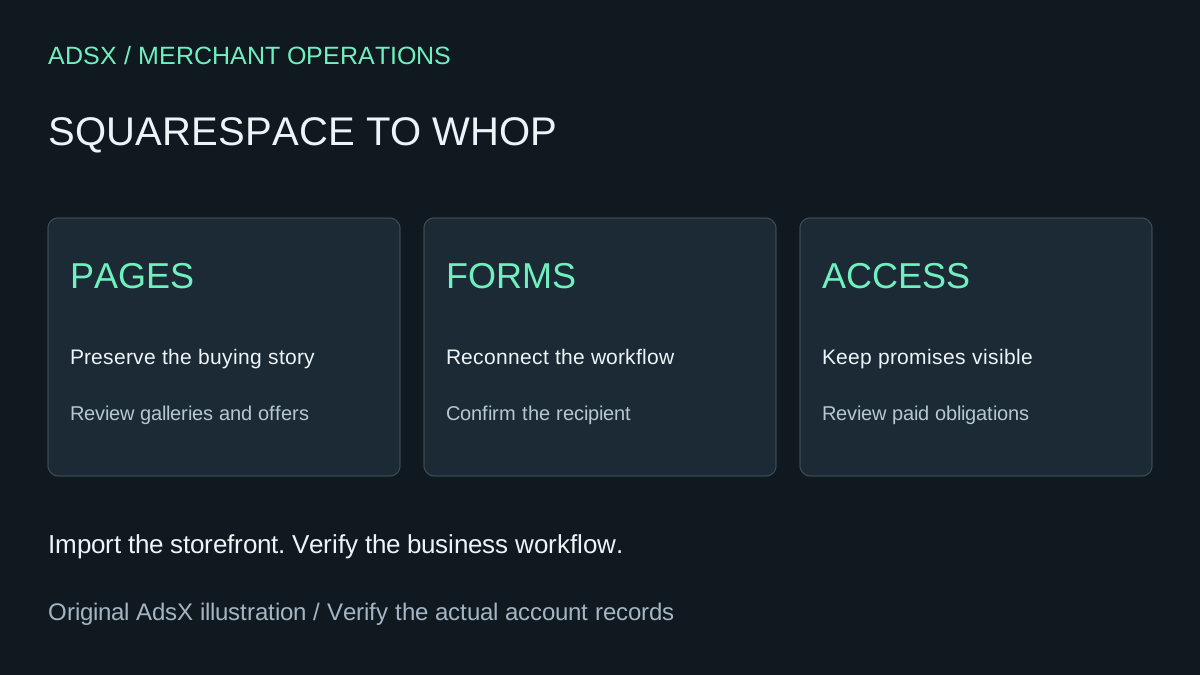
Original AdsX explanatory illustration.
Start with the pages that earn their place
A service business may depend on a gallery, case study, or pricing page more than a conventional product grid. Record the pages customers use before they contact you. Include their main message, important images, and next action.
For a wedding photographer, an example inventory might include three galleries, two package pages, a contact form, and a client resource page. The goal is not to reproduce obsolete content. It is to preserve the useful path from seeing the work to making an appropriate inquiry.
| Page | What to preserve | What to verify |
|---|---|---|
| Gallery | Images and relevant captions | Mobile layout and image order |
| Package | Scope and exclusions | Correct price or inquiry action |
| Contact | Required information | Submission reaches the intended workflow |
| Client resource | Instructions promised to clients | Access and current content |
Review the generated site against that inventory
Use the source URL to start the available import, then inspect each important page. Check that navigation reaches the same business destinations and that the new page does not accidentally repeat an outdated package or old service area.
Whop’s documentation specifically says forms and third-party integrations need reconnecting. Make that a named task. A form that looks familiar is not complete until a submission reaches the person or system that should act on it.
For the photographer example, review whether the inquiry includes event date, location, and requested service. Confirm who receives it and what happens when a required detail is missing. These are proposed acceptance checks, not a claim about automatic field mapping.
Separate website content from paid access
If the Squarespace business also sells a membership or recurring service, identify where billing and access are managed. Whop’s separate subscription migration documentation describes a Stripe workflow. The use of Stripe by a platform does not, by itself, establish that every subscription on that platform can use the same transfer process.
Keep the next charge, the customer’s entitlement, and the access end date in a separate review. Do not close the source service until those obligations have an agreed destination.
Decide how customers will find the new pages
Record your important old URLs and intended new destinations. Confirm the available domain and redirect controls before scheduling the switch. Review incoming links from profiles, partner sites, and active campaigns, not just navigation inside the website.
The general migration checklist covers that launch record. If the business sells photography services, the Whop photography guide offers a more specific way to define packages and delivery.
Use a short acceptance meeting
Bring the owner and whoever handles inquiries together for a final review. Open the main pages, follow the calls to action, confirm the receiving workflow, and record remaining issues. A small site can have a short review, but it still needs a clear definition of ready.
Start a Whop business through AdsX’s partner link when you are ready to evaluate the move. Keep the source website available until content, inquiries, and paid customer obligations are covered.