An Etsy-to-Whop move is a new storefront launch as well as a catalog project. Product information can help you build the new shop, but marketplace discovery, buyer expectations, and existing orders need separate plans.
Start with a small collection that you can describe, fulfill, and support without relying on the Etsy interface. Keep the current shop working while you evaluate whether the independent store earns its place.
Disclosure: Dennis Hegstad works at Whop. AdsX may earn compensation from qualifying Whop referrals. Sources reviewed October 27, 2026. Examples are illustrative; this is a planning guide, not a report of a migration we tested.
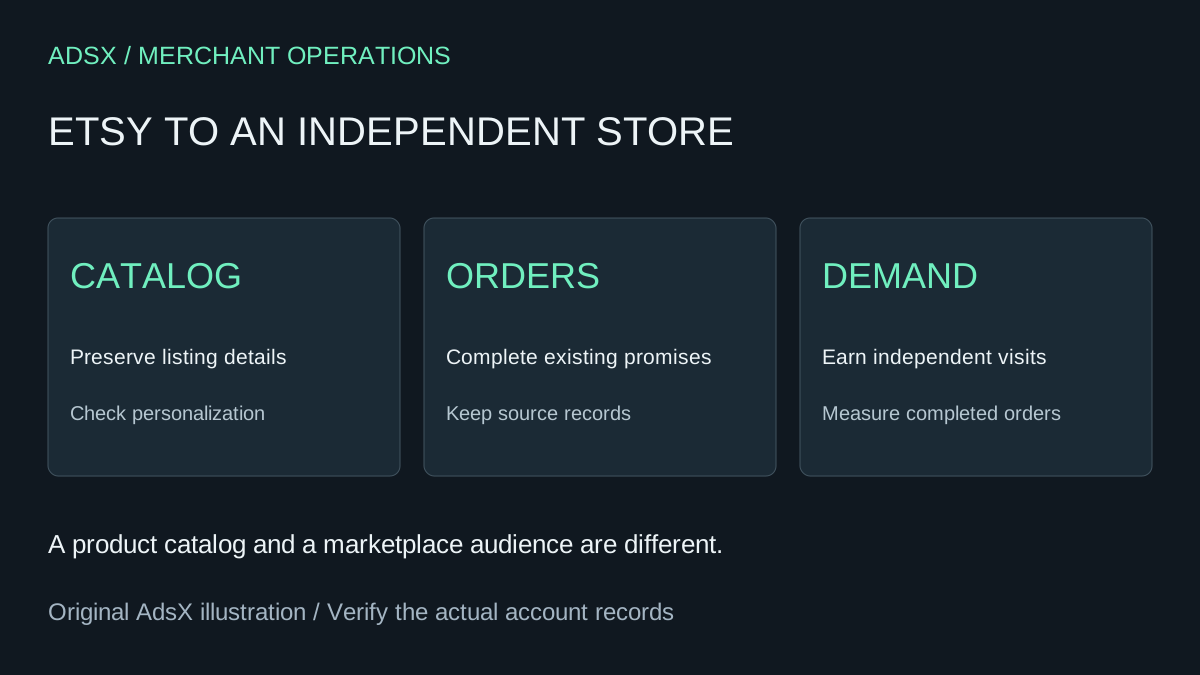
Original AdsX explanatory illustration.
Save the listing reference
Etsy's listing-download instructions describe the CSV available through Shop Manager → Settings → Options → Download Data. The file covers active listings and includes fields such as titles, descriptions, prices, quantities, image URLs, and SKUs when supplied.
Keep an untouched copy. Treat it as a comparison reference rather than proof that Whop accepts the file unchanged. Review product variations, personalization requirements, and delivery promises separately against your actual listings.
An active-listing export also is not a complete archive of your business. Preserve the records needed to complete existing orders and handle support through their original channels.
Write product pages for a new visitor
A buyer arriving from search may know nothing about your workshop. Explain the material, dimensions, use case, production time, and what is included. Keep claims specific enough that the customer can decide without sending a message.
| Listing detail | Owned-store review |
|---|---|
| Personalization | Required text reaches the person making the item |
| Variation | Selected size or finish matches price and availability |
| Production time | The page distinguishes making time from transit time |
| Photography | Images show the item you actually supply and you have rights to use them |
Do not present marketplace reviews or badges as though they originated on the new store. If you want to reuse third-party content, establish the relevant rights and accurate attribution first. Original product information and clear fulfillment details are a useful starting point without that dependency.
Example: a personalized wedding-sign collection
Imagine a maker launching five sign designs. Each needs a name, date, finish, and size. Copying five titles and photos does not establish that a complete order reaches production.
For one design, follow the intended buying path and confirm every required detail is collected. Include a missing-name case and a long-name case. Check how the maker receives the information and where an approved correction is recorded. These are proposed tests, not a report of a Whop integration we tested.
If the destination cannot support the required workflow, simplify the offer deliberately or keep that collection on its existing system. A new platform should not create orders the workshop cannot fulfill correctly.
Build demand independently
Etsy's off-platform transactions policy prohibits directing members to complete purchases outside Etsy and offering incentives to do so. Do not use the migration project to divert Etsy transactions or repurpose buyer contact details as a prospecting list.
Instead, plan discovery for the new store through your own useful content and independently acquired audience. A guide to choosing a sign size, with original measurement examples, can serve buyers before they select a product. Track visits and completed purchases separately; published pages alone do not establish demand.
Review the Whop launch scope
Whop's website migration guide documents a URL workflow for existing websites. It does not establish a dedicated Etsy connector or promise that an Etsy shop URL imports private orders, reviews, or customer relationships. Confirm source support and the resulting catalog before depending on it.
Use the general Whop migration checklist to assign open orders, domain decisions, and launch checks. Keep the first release limited enough that you can inspect every product.
Decide with actual orders
Compare the new store's conversion, fulfillment effort, support questions, and contribution after costs with your existing operation. Retaining Etsy alongside an independent store can be a sensible outcome; a complete exit does not need to be the first milestone.
Read the Whop launch checklist, then sign up for Whop through our partner link to evaluate a focused collection. Launch when the buying and delivery workflow is ready, then measure whether customers find it useful.