An OpenCart storefront can look ordinary while extensions do much of the work behind it. A shipping restriction, a custom product field, or a connection to a fulfillment tool may be essential even though a website screenshot never reveals it.
Before moving to Whop, translate the extension list into business requirements. The goal is to preserve the behaviors your customers and staff actually need, not to find a matching plugin name for every installed package.
Disclosure: Dennis Hegstad works at Whop. AdsX may earn compensation from qualifying Whop referrals. Sources reviewed October 26, 2026. Examples are illustrative; this is a planning guide, not a report of a migration we tested.
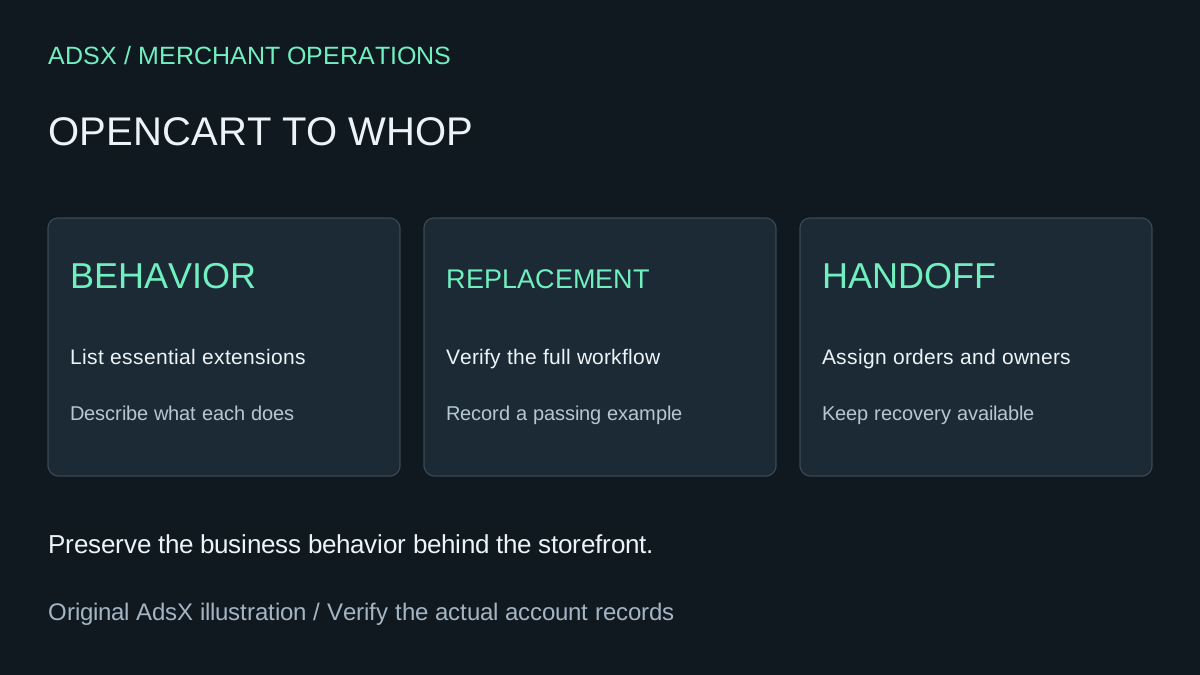
Original AdsX explanatory illustration.
Inventory behavior, not just software
OpenCart's extension documentation describes functionality added through extensions, including payment and shipping modules. Its developer examples are version-specific, so record the OpenCart version and extension versions used by your store before relying on an implementation detail.
For each active extension, ask who uses it, when it runs, and what would go wrong if it disappeared. Include custom code and external services your developer maintains. A disabled package may need no replacement; a small checkout customization may be business-critical.
| Current behavior | Evidence to keep | Destination acceptance check |
|---|---|---|
| Custom product instruction | Example field and order record | Required information reaches fulfillment |
| Shipping restriction | Example allowed and blocked basket | Unsupported destinations cannot buy that offer |
| Discount logic | Eligible and ineligible examples | The intended basket receives the right total |
| Fulfillment connection | Sample order handoff | Staff receive complete, usable order details |
Keep customer details out of shared planning documents. A redacted example can usually demonstrate the required fields without exposing somebody's address or payment information.
Separate backup from migration data
Ask the person responsible for the installation to preserve the database, site files, product media, and custom code using the process appropriate to that installation. Confirm who can restore the old store and where its last working configuration is recorded.
A database backup is a recovery asset. It is not evidence that Whop can ingest that database or run OpenCart extensions. Likewise, a product export can help compare catalog records without carrying every custom behavior with it.
Keep the source account and payment records accessible while outstanding orders, refunds, or support obligations remain. Assign those obligations before changing where new customers buy.
Example: a personalized item with a delivery restriction
Imagine a shop selling engraved boxes. A buyer must provide a name, choose a finish, and use an eligible shipping destination. The current store also sends the engraving text to a workshop.
A migration review should follow that order all the way through. Does the destination collect the required text? Can the buyer leave it blank? Does the selected finish identify the correct item? Does the workshop receive the text in the record it actually uses? What happens for an unsupported destination?
These are proposed test cases, not results from a tested Whop integration. If any required behavior lacks a confirmed replacement, keep that offer on the old store or redesign it explicitly. Do not quietly remove the restriction and hope staff catch mistakes afterward.
Review the URL import with a clear scope
Whop's official website migration guide describes submitting an existing website URL. It does not establish that OpenCart extensions or server-side customizations execute on the new site. Compare the generated storefront with the behavior inventory before accepting it.
The Whop migration checklist covers the wider launch plan. For an extension-heavy store, add one named owner and one passing example for every essential behavior. This makes unresolved work visible before launch day.
Retire hosting only after the handoff works
If lower administration effort is your reason for moving, measure the work that remains. An imported storefront followed by daily manual order repair may not be an improvement. Include the time needed for any replacement integration when comparing the options.
Choose a controlled switch window, record the last source-system order, and reconcile new orders received during the transition. Keep a rollback plan that accounts for orders already accepted in the destination. Pointing the domain back does not automatically move those transactions.
Evaluate one complete workflow first
OpenCart remains a reasonable choice when its custom behavior is valuable and maintained. Evaluate Whop when you have a clear reason to change and a realistic path for those requirements.
Use the Whop launch checklist and create a Whop account through our partner link. Start with one representative offer and verify its complete order workflow before committing the rest of the catalog.